
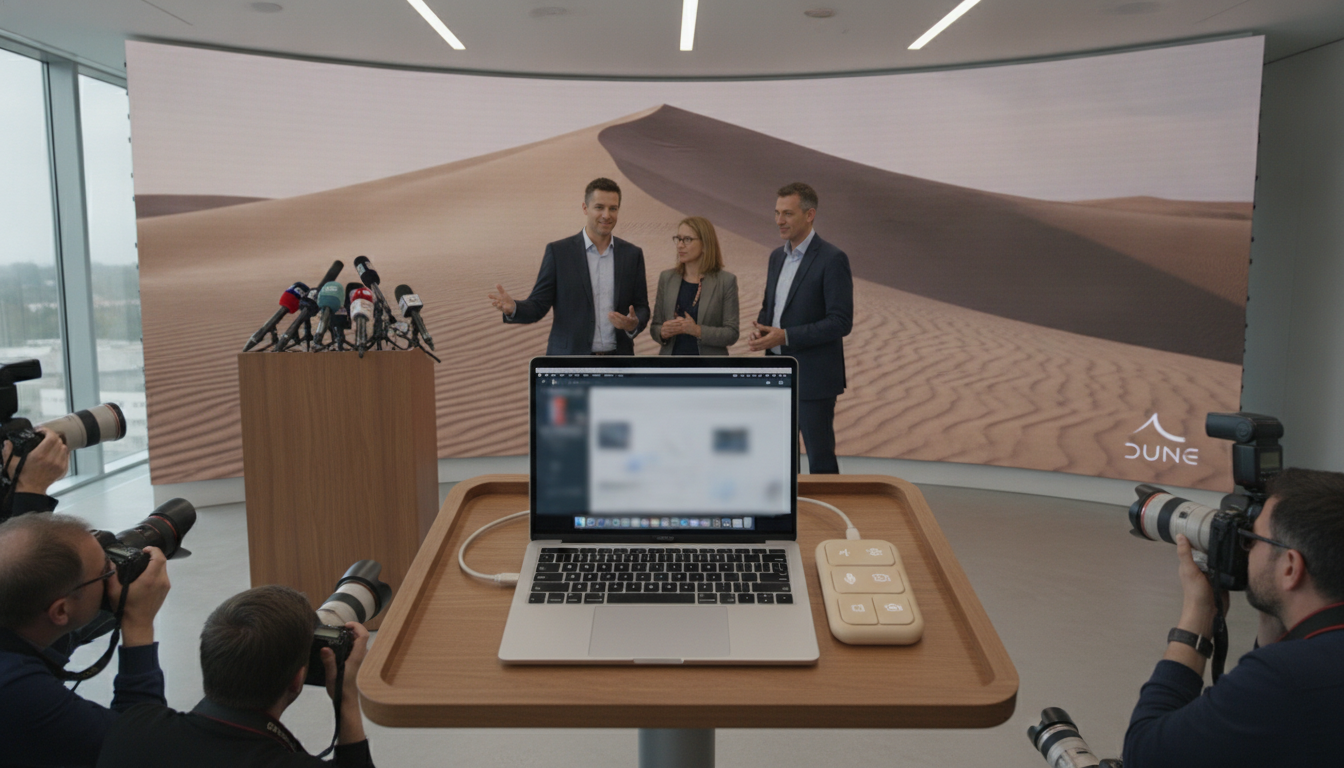
Project Mirage Dune brings a three-button, context-aware keypad to MacBooks for faster mute, camera and app shortcuts
Project Mirage Dune is a three-button USB-C keypad for MacBooks that maps context-aware shortcuts, syncs with calendars and uses Claude for customizable skills.
Project Mirage Dune, a palm-sized three-key aluminum keypad from startup Project Mirage, plugs directly into a MacBook to offer one-tap controls for meetings and app-specific shortcuts. The device is designed to change function based on the active application, letting users toggle mute, turn video off, or run a brief script without hunting for keyboard shortcuts. Priced at an introductory $119 and moving to $149 after the launch period, Dune aims to be a compact productivity accessory for Mac users.
Dune hardware and fit
Project Mirage built Dune to sit flush with supported MacBook models, machining each unit to match the laptop’s profile so it aligns with the USB-C port. The aluminum housing is roughly the size of a stick of gum and contains three tactile buttons that draw power directly from the computer, eliminating the need for batteries or external charging. If a user’s ports are already occupied, the keypad can be used via a dongle, maintaining flexibility for multi-peripheral setups.
Compatibility and system requirements
Dune currently supports M2 Air and later, plus M1 Pro and later MacBook models, and requires macOS 15 Sequoia or a newer release to operate. The companion app handles device pairing and per-app configuration, meaning the keypad is limited only by the laptop models and system versions the company supports. Users who do not meet those system requirements will need alternate solutions or await expanded compatibility from the startup.
Context-aware shortcuts and real-world examples
The keypad adapts to the app in focus: during video calls the three keys can serve as mute, camera toggle and a bring-to-front command, while in spreadsheets they can map to copy, paste and undo. In web browsers the same keys can refresh a page, jump to the address bar and paste clipboard contents, and developers can bind actions in VS Code or GitHub to approve or close a pull request. That contextual switching is central to Dune’s pitch: one physical control surface that behaves differently depending on workflow.
Companion app, calendar sync and marketplace
Dune ships with a configuration app that lets users assign keyboard shortcuts, commands or URLs to each button, either globally or on an app-by-app basis. The software can also surface the user’s next calendar entry and present quick actions—join, dismiss or send a “running late” message—shortly before a meeting begins. The app includes a fledgling marketplace for community-built “skills” that owners can download, an ecosystem the company hopes will expand over time to increase device value and keep users engaged.
Scripting and Claude integration
For deeper customization, Project Mirage provides a Python scripting option that lets technically inclined users craft bespoke automations and bind them to a key. Non-coders can rely on an integration with Claude Desktop: describe the desired shortcut in plain language and Claude generates and assigns the action, simplifying setup for users who prefer a natural-language workflow. Reviewers found both approaches effective, noting that some shortcuts required iterative debugging to refine behavior when triggered in live use.
Usability issues and areas for improvement
Early hands-on testing revealed that the keys are relatively light and can be pressed accidentally, sometimes unmuting a microphone or disabling video when a hand brushes the device. That sensitivity suggests a need for increased resistance or a locking mechanism to avoid unintentional activation, particularly for users who rest their palms near the port. The software experience also has limits: the marketplace is small and there is no preview mode to test a skill before committing it to hardware, a convenience that would reduce friction for new adopters.
Price, competition and target users
At $119 during the launch window and $149 thereafter, Dune positions itself between single-purpose accessories and larger macro pads. It offers more flexibility than a mute-only gadget while remaining simpler and more compact than multi-button Stream Deck alternatives, and it competes with single-function tools such as MuteMe by delivering broader app control. For productivity-focused professionals—investors, founders, content creators and engineers—Dune’s blend of hardware customization and software integrations is the main draw.
Project Mirage Dune delivers a focused, low-profile way to offload common shortcuts from the keyboard, pairing a compact aluminum keypad with an app-driven customization model and AI-assisted scripting. Its contextual approach and Claude integration open useful workflows for power users, though accidental key presses and a limited marketplace curb the product’s polish. For Mac users who want a small, persistent control surface and are willing to tinker with scripts or rely on AI-generated shortcuts, Dune is a compelling choice that could grow more valuable as its skills ecosystem matures.
