
Anthropic Makes Claude Code Auto Mode Default for Pro, Max and Team Accounts
Anthropic sets Claude Code auto mode as default for Pro, Max and Team users beginning August 14, reducing prompts and increasing automated actions with new safety controls.
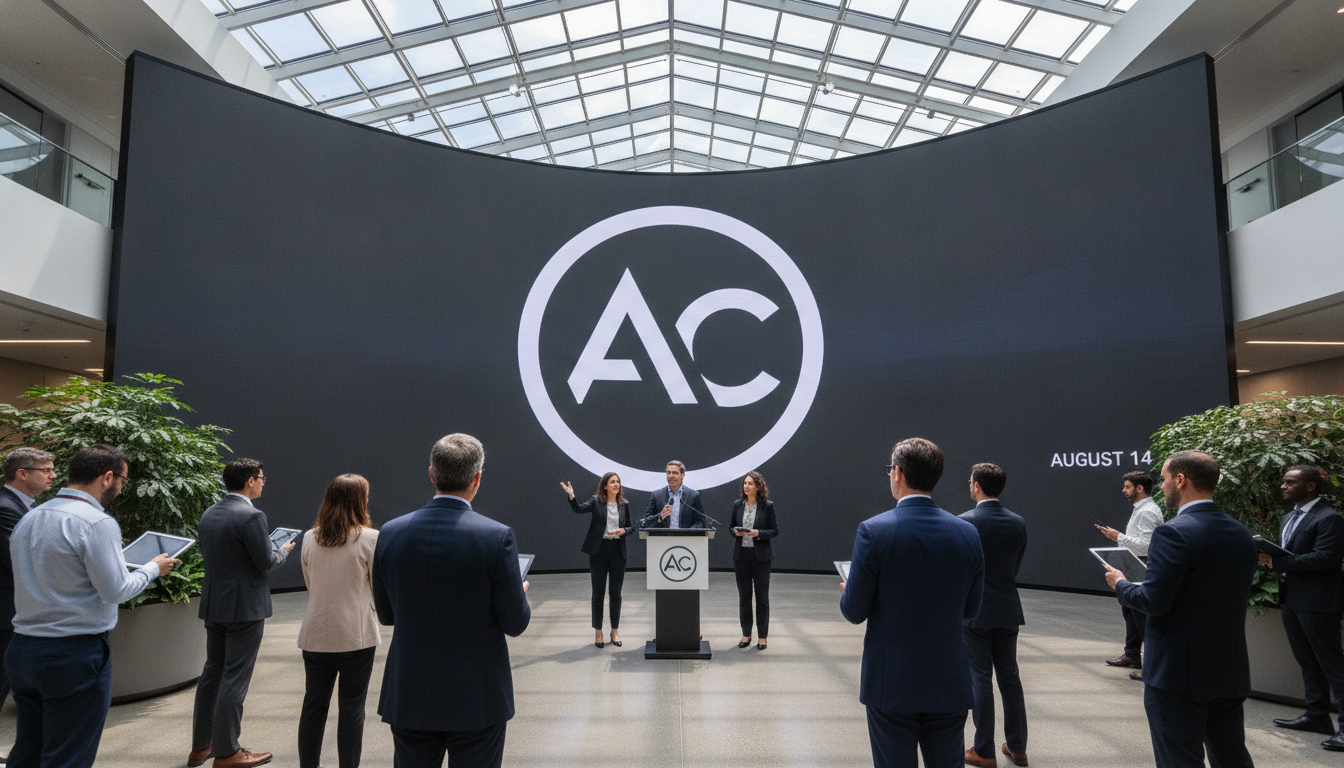
Claude Code auto mode will become the standard setting for paying Pro, Max and Team accounts on August 14, Anthropic confirmed Friday, shifting the coding assistant toward fewer permission prompts and more autonomous operation. The change means Claude Code will proceed with most actions without asking for explicit human approval unless a step is flagged as irreversible, destructive, or outside a user’s environment. Anthropic says the update is meant to speed developer workflows while retaining safeguards for sensitive operations.
Auto Mode Rollout Date and Scope
Anthropic will flip the default switch for auto mode on August 14, applying the change to Pro, Max and Team subscription tiers. Existing users can still adjust settings, but new and current subscribers will see auto mode engaged by default unless they opt out. The company’s decision affects a broad set of professional users who rely on Claude Code for coding, deployment tasks, and automation within development environments.
Evidence from Testing Supports the Change
During a controlled study involving 1,053 paid testers, Anthropic reported that auto mode identified 89% of harmful actions while human reviewers caught 13.6% in the same scenarios. The company also flagged user behavior as a factor, noting that participants approved nearly all permission prompts during manual review, which reduced the effectiveness of human oversight. Anthropic presented these results as part of its rationale for granting Claude Code more operational freedom under auto mode.
How Auto Mode Determines When to Pause
Under auto mode, Claude Code is configured to pause and request human permission only for actions judged irreversible, destructive, or outside the permitted environment. That means routine code edits, refactors, and environment-contained automation will proceed without interruption, while deployments that could delete data or external operations will still prompt for approval. Anthropic characterizes the approach as a way to balance speed and control by automating safe, repeatable steps and preserving human judgment for high-risk decisions.
New Safety Features and Rule Controls
Anthropic says it has added multiple safety mechanisms to accompany the auto mode rollout, including prompt-injection screening and customizable hard-deny rules. Those features are designed to block attempts to exfiltrate data or force the model to execute unauthorized commands. Team and enterprise administrators will be able to define hard-deny policies to prevent specific classes of actions across projects and users, adding an administrative layer to the automated behavior.
Developer and Team Implications
For engineering teams, the default switch to auto mode promises faster iteration cycles and fewer context switches during development and automation tasks. Teams that already use automated pipelines may see workflow friction reduced as Claude Code performs more routine actions autonomously. At the same time, organizations will need to reassess role-based permissions, auditing practices, and hard-deny configurations to ensure automated behavior aligns with security and compliance requirements.
Internal Adoption and Company Positioning
Anthropic leadership and internal teams have reportedly been using auto mode extensively, framing the change as an operational improvement informed by internal practice. The company positions the move as part of a broader effort to make coding assistants more capable while embedding multiple layers of protection. Anthropic emphasizes that defaults can be changed, signaling that the company expects some users to prefer manual review depending on risk tolerance and workflow needs.
The default change for Claude Code auto mode reflects an industry trend toward granting AI tools greater autonomy where possible while pairing that autonomy with configurable safety controls. As the August 14 rollout approaches, teams should inventory sensitive operations, review deny policies, and pilot auto mode in controlled settings to verify that increased automation delivers the intended efficiency gains without compromising security.
